Tactile Learning: Preferences, Activities and Access
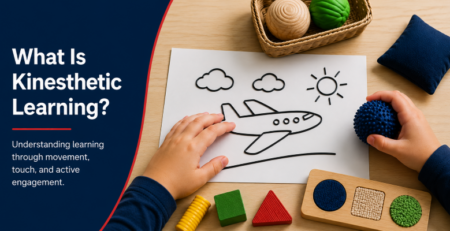
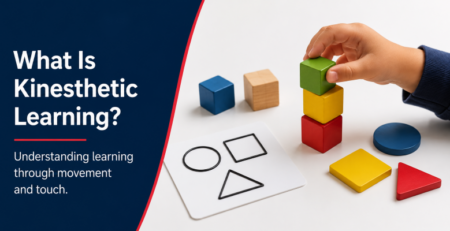
Touch and hands-on activities offer useful ways to explore information. A student may enjoy building models, handling objects or tracing raised diagrams, but these preferences do not establish a fixed type of learner.
Start With the Task and the Student’s Access Needs
Ask what the student needs to understand and which formats let them participate. Preferences can vary with the subject, setting and activity. Observe whether the student can explain or apply the concept, and adjust the lesson when something is unclear.
Fidgeting, pressing hard when writing or skipping instructions are not reliable ways to identify a fixed learning style. A checklist of these behaviors should not determine how a student is taught.
What the Learning-Styles Research Says
Pashler and colleagues’ research review found insufficient evidence for the general practice of matching instruction to assessed learning styles. This does not mean that tactile materials or well-chosen hands-on activities are ineffective.
Use Hands-On Activities With a Clear Purpose
- Explore shapes: compare physical models or trace a raised outline, then describe the differences.
- Investigate a process: carry out an appropriate experiment, explain the observations and connect them to the lesson.
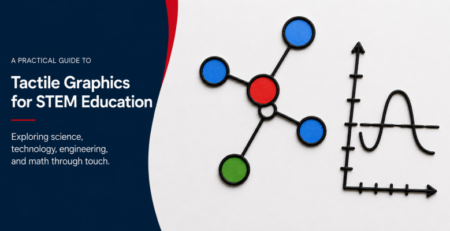
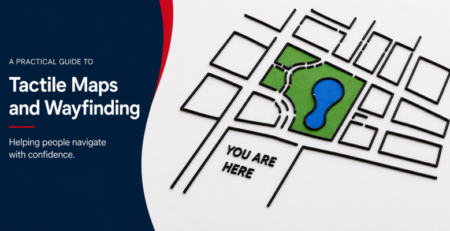
- Read a map or graph: introduce its key and labels, explore the layout and answer questions about the information.
- Check understanding: invite students to explain, demonstrate or apply what they have learned.
Combine touch, spoken explanations, accessible text and visual materials as appropriate. Offer time to explore unfamiliar materials and adapt activities with the student’s feedback.
Tactile Access for Blind and Visually Impaired Students
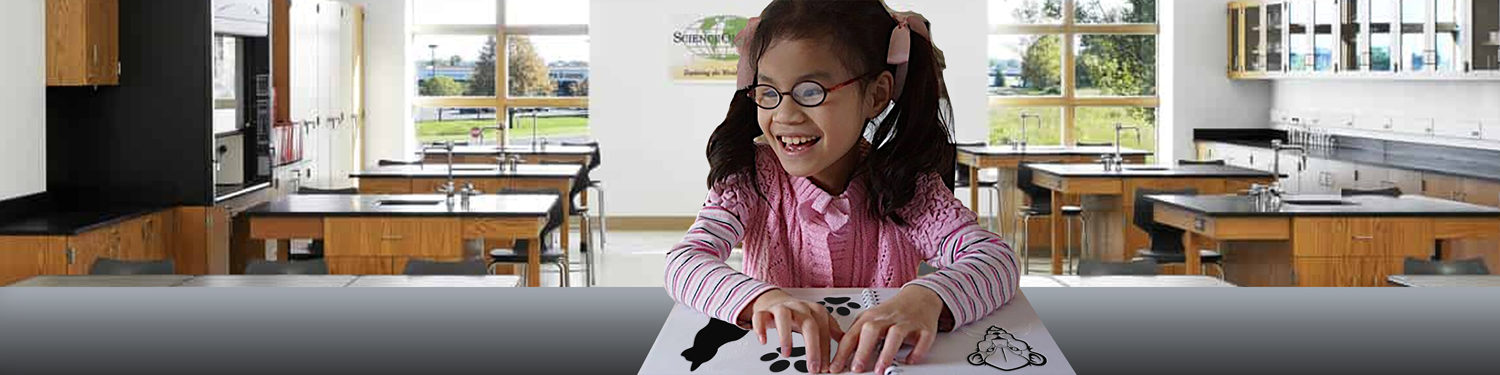
For someone who cannot access a visual diagram, a tactile version can provide access to its shapes, layout and relationships. This is an accessibility need, not evidence of a fixed learning style. Braille, audio, large print, accessible digital materials and tactile graphics may serve different needs within the same lesson.
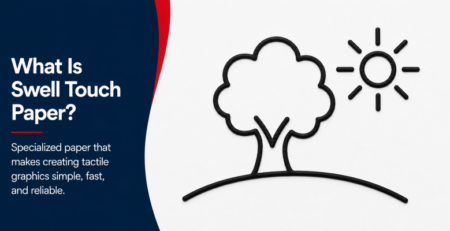
Learn more about tactile graphics and how raised lines, textures and labels can represent visual information.
Prepare Materials That Fit the Lesson
Useful materials include physical models, manipulatives, raised-line drawings and tactile maps. Keep each graphic focused on the information the student needs, explain its symbols and check that it can be read comfortably.
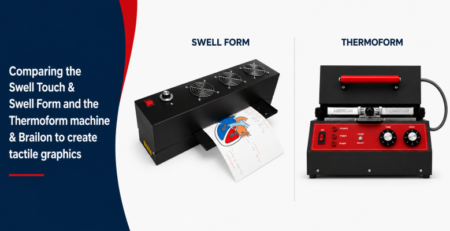
Swell paper offers a practical way to create tactile graphics on demand. Choose materials for the learning goal and access requirements, then assess understanding through the student’s work.