Exploring Concepts Through Touch and Hands-On Activities
Tactile exploration uses touch to examine information, while hands-on activities may also involve movement and practical work. Choose an activity for the concept being taught and the formats each student can access, rather than assigning a fixed learning style.
Students can explore shape, position and structure with physical objects and accessible representations such as tactile graphics.
The following examples show how touch and practical activities can be used in a lesson.
Spatial Relationships
Concepts that involve the arrangement of objects in space—such as geometry, maps, and layouts—can be difficult to understand through visual or verbal explanation alone.
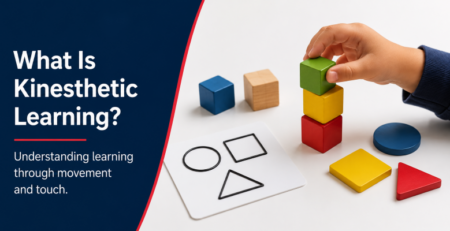
Using hands-on methods like building models, manipulating objects, or exploring tactile graphics allows students to physically experience spatial relationships. Ask students to describe the relationships and use their responses to guide further explanation.
Fine Motor Skills
Practical skills such as assembling a model or handling craft materials involve hand and finger movements. Offer appropriate practice, feedback and accessible ways to participate.
Tactile learning provides opportunities for direct interaction, helping students build coordination and control. Tactile graphics can also support this by giving learners structured, touch-based materials to explore.
Physical and Scientific Concepts
Experiments and models can provide opportunities to investigate force, motion, energy and mechanical systems.
Hands-on activities, experiments, and tactile exploration allow students to observe cause and effect in real time. Accessible diagrams can provide a reference while students discuss what happened and connect observations to the concept.
Access Requirements and Preferences
For students who cannot access a visual diagram, a tactile version can communicate shapes, layout and spatial relationships. Sensory preferences and access requirements vary, so consult the student about useful materials and comfortable ways to explore them.
Tactile graphics provide a way to access information through touch, offering an alternative to visual learning. Their use should address the learning objective and access needs; adding more sensory input does not guarantee better understanding or memory.
Creating Tactile Learning Materials
One of the key advantages of tactile learning today is how quickly materials can be created.
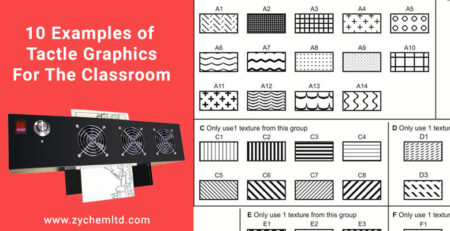
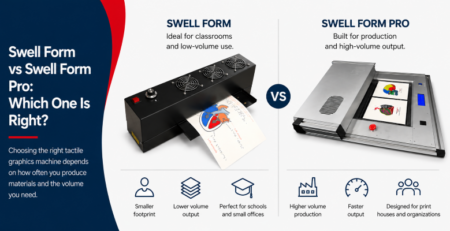
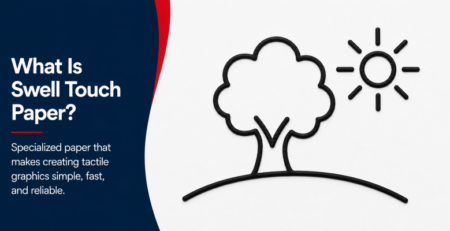
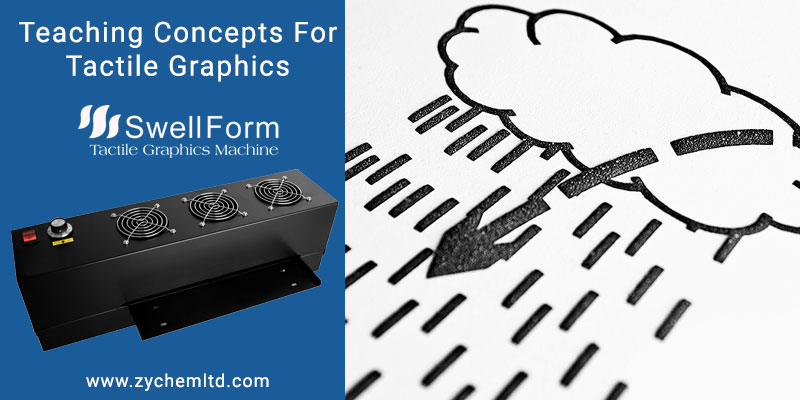
Educators can produce tactile graphics using swell paper, which reacts to heat to form raised surfaces. By printing or drawing designs onto Swell Touch paper and processing them through a Swell Form machine, teachers can create consistent, high-quality tactile graphics on demand.
This allows for rapid development of lesson materials without the need for specialized molds or complex production methods.
Provided by American Thermoform and Zychem, Tactile Library offers links to downloadable graphic collections, specialist guidance and answers to common questions about tactile graphics using swell paper.
Conclusion
Touch and hands-on activities offer ways to investigate spatial relationships, physical objects and practical tasks. Combine them with accessible explanations and check what students can understand and apply.
By incorporating tools like tactile graphics, swell paper, and Swell Form machines, educators can create more engaging and accessible learning experiences.
When used effectively, tactile learning helps students better understand complex concepts while supporting a more inclusive and interactive educational environment.