What is Tactile Learning For The Blind?
Tactile learning is a method of understanding and retaining information through touch. It is especially important for individuals who are blind or visually impaired, as it provides access to information that would otherwise be presented visually.
Although a person may not rely on sight, the brain still processes spatial and structural information. Through touch, tactile learning can stimulate the same areas of the brain that interpret visual input, allowing individuals to build a mental picture of concepts and environments.
How Tactile Learning Works
Tactile learning involves using hands-on materials and physical interaction to explore and understand information.
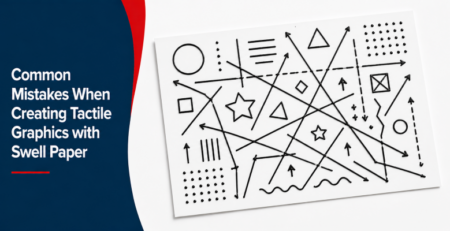
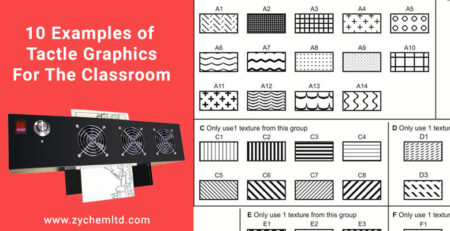
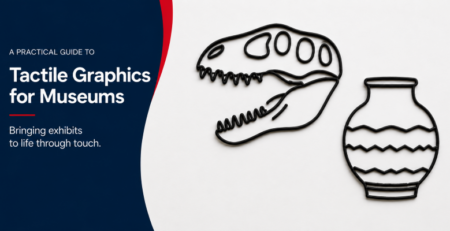
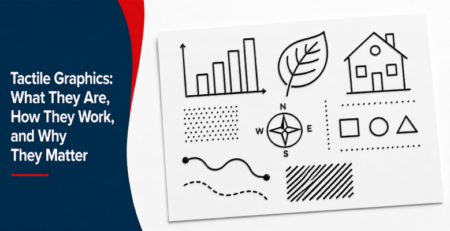
This can include tools such as tactile graphics, which represent shapes, layouts, and relationships using raised lines and textures. These materials allow learners to physically explore concepts that would otherwise be difficult to interpret.
For example, a student might use a tactile map to understand geography by feeling the relative size and shape of regions, or explore scientific concepts by tracing the structure of objects and systems through touch.
Braille is another essential component of tactile learning, providing access to written language through raised dots that can be read with the fingers.
Why Tactile Learning Is Important
Tactile learning is critical for building independence, comprehension, and confidence.
It allows individuals who are blind or visually impaired to:
- Access educational content
- Understand spatial relationships
- Develop problem-solving skills
- Engage with complex concepts
By providing a direct, hands-on way to interact with information, tactile learning supports deeper understanding and long-term retention.
Tactile Learning in the Classroom
Educators can integrate tactile learning into lesson plans to create more inclusive and effective teaching environments.
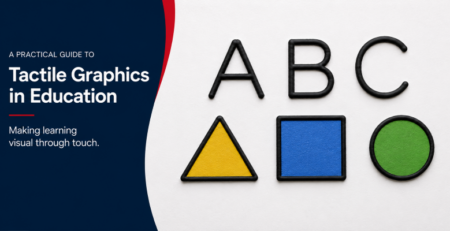
Using tactile graphics, teachers can present concepts in subjects like math, science, and geography in a way that students can explore through touch. This not only benefits visually impaired students but also enhances learning for sighted students by reinforcing concepts through multiple senses.
Creating Tactile Learning Materials
One of the most effective ways to support tactile learning is by producing tactile graphics quickly and consistently.
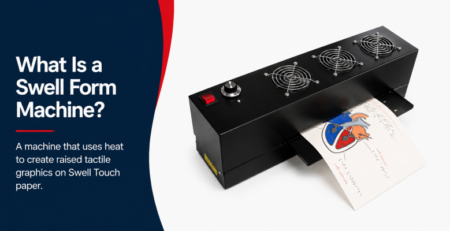
Educators can create these materials using swell paper, which expands when exposed to heat. By printing or drawing designs onto Swell Touch paper and processing them through a Swell Form machine, teachers can generate tactile graphics on demand.
This allows for flexible lesson planning and ensures that tactile materials are always available when needed.
Conclusion
Tactile learning is a fundamental approach for teaching individuals who are blind or visually impaired. By using touch to explore information, learners can develop a deeper understanding of concepts and build independence in both education and everyday life.
With tools like tactile graphics, Swell Touch paper and Swell Form machines, educators can create accessible, engaging, and effective learning experiences for all students.
Tactile Graphics Examples - Swell Form
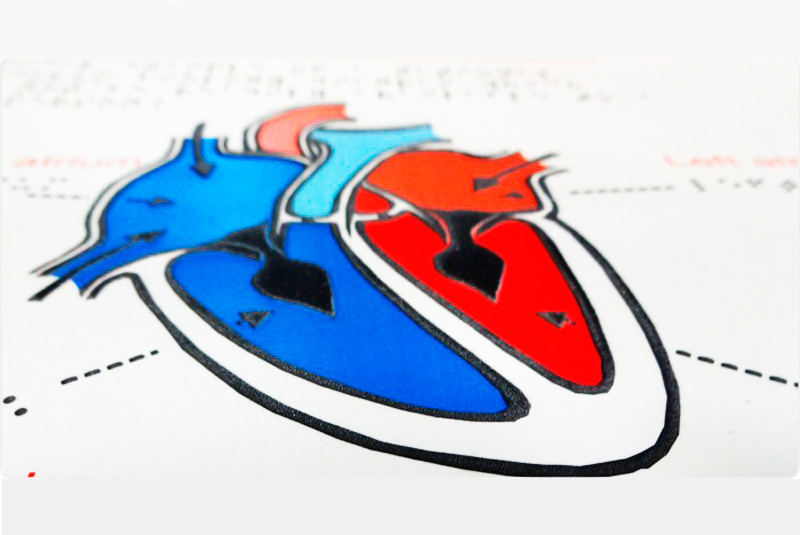
The Swell Form machine is easy to set up and operate. Simply turn on the machine, feed the Swell Touch paper through the input tray, and retrieve a finished tactile graphic in seconds. Black elements swell to form tactile features, while colored areas remain flat, allowing users to incorporate textures, patterns, and visual details for enhanced graphics.
Tactile Graphics Examples - Thermoform Machine
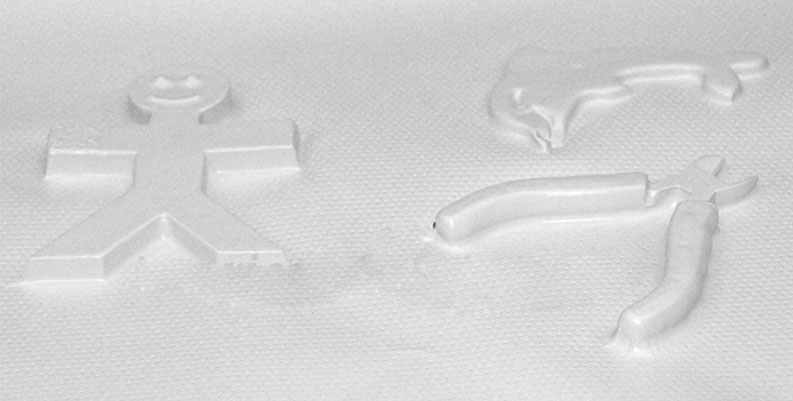
The EZ-Form or Maxi-Form Brailon Duplicators from American Thermoform are the most accurate ways to reproduce braille and tactile graphics. Safe and easy to use, these machines makes permanent and inexpensive teaching aids and braille copies from a single master using Brailon®.