Tactile and Auditory Learning: Different Ways to Access Information
Touch and sound offer different ways to explore a subject. A raised diagram can communicate shape and layout, while a spoken explanation can describe a process or introduce unfamiliar terms. The same student may use both during a lesson.
These are ways of presenting and engaging with information, not fixed categories of people. Pashler and colleagues’ research review found insufficient evidence to support matching teaching to assessed learning styles.
Learning Through Touch
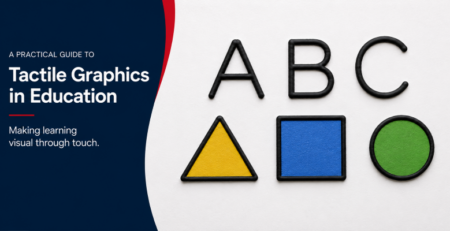
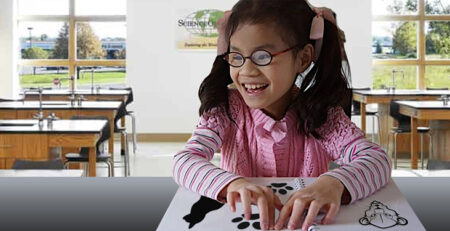
Tactile activities involve exploring objects, textures and raised representations with the hands. Physical models and tactile graphics can make shapes, positions and relationships available through touch. Braille provides access to written language.
Choose the material for a specific task. For example, students can trace the axes and compare points on a tactile graph, then explain what the data show. Introduce the labels and key before asking the student to interpret the graphic.
Learning Through Sound and Discussion
Spoken explanations, audio recordings and discussion can provide access to information. Listening can be active: students may ask questions, discuss alternatives, explain an idea in their own words or use an audio description while exploring a model.
Auditory learning is not inherently passive, just as handling an object does not by itself demonstrate understanding. Build in opportunities to think, respond and apply the information, whichever format is used.
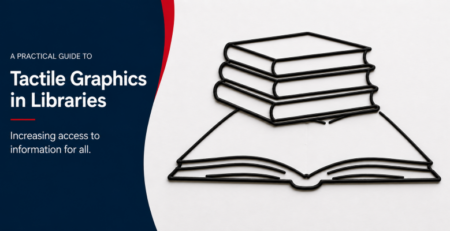
Tactile Graphics and Accessible Diagrams
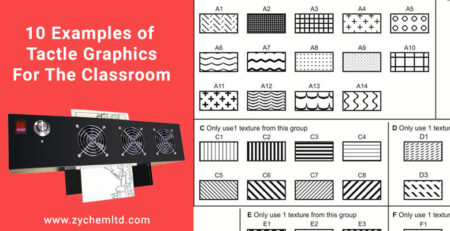
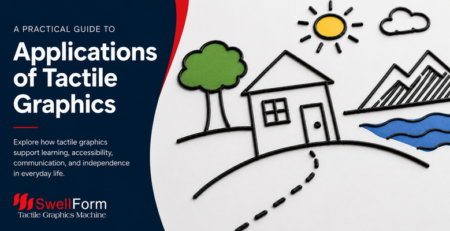
For people who cannot access visual diagrams, tactile graphics can provide information about layout, structure and spatial relationships that may be difficult to convey through words alone. This is a question of access to the content, rather than a learning-style label.
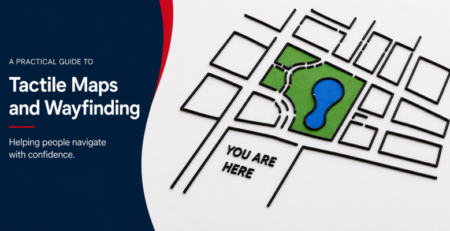
Access needs vary. Work with the student and relevant educators to select useful combinations of tactile graphics, braille, audio, large print and accessible digital formats. A spoken overview can help a student orient to a tactile map; the map can then support independent exploration of routes and locations.
Combine Formats With a Purpose
- Identify the concept or skill the lesson is intended to teach.
- Provide formats the student can access and explain unfamiliar symbols or materials.
- Connect the activity to questions, discussion or practical application.
- Check understanding and revise the explanation or materials as needed.
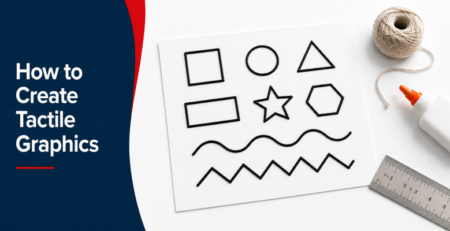
Creating Tactile Materials
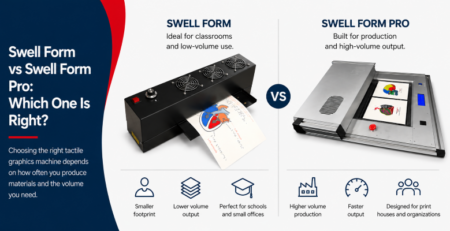
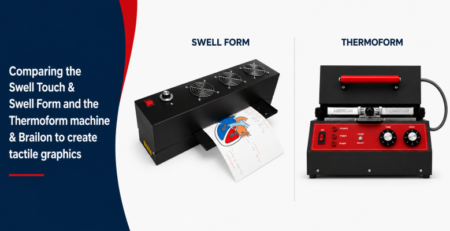
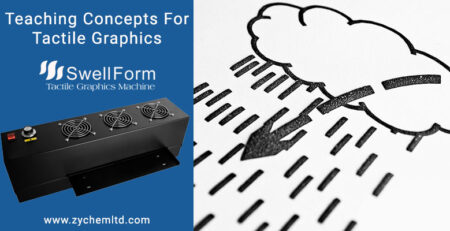
Educators can create raised diagrams with swell paper. Print or draw suitable black artwork on Swell Touch paper and process it through a Swell Form machine. Check the finished graphic for clear lines, distinguishable features and readable labels.
Choose touch, sound and other formats according to the content and the learner’s access requirements, preferences and feedback. No single format needs to define how a person learns.